Connect
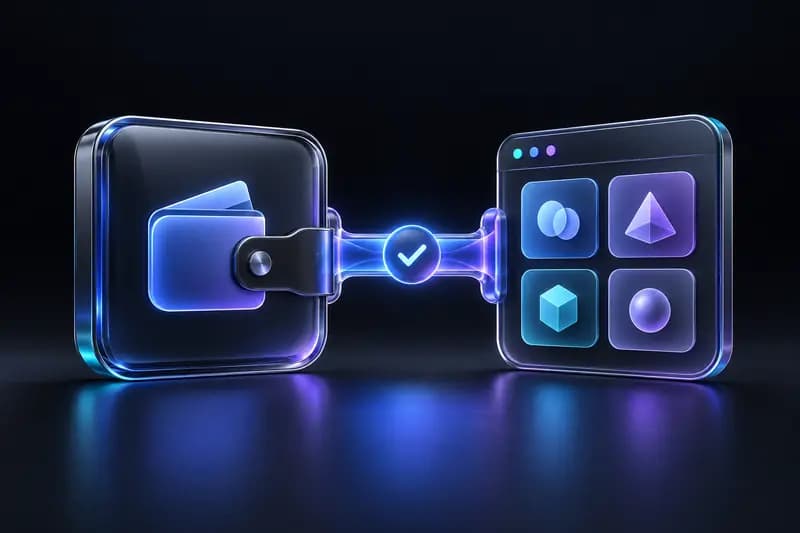
Connect to supported Solana and Ethereum dApps from your wallet.
Your keys stay on your device. Send, swap and use Web3 apps on Solana and Ethereum, without ever handing over control.
Why IDX
Not another generic “secure wallet” claim — here’s what IDX is actually built around.
IDX is non-custodial, meaning IDX does not hold your crypto or control your private keys. Ownership stays with you.
Your password is used for local encryption and is never stored on IDX servers. Seed phrases and private keys are not collected by IDX.
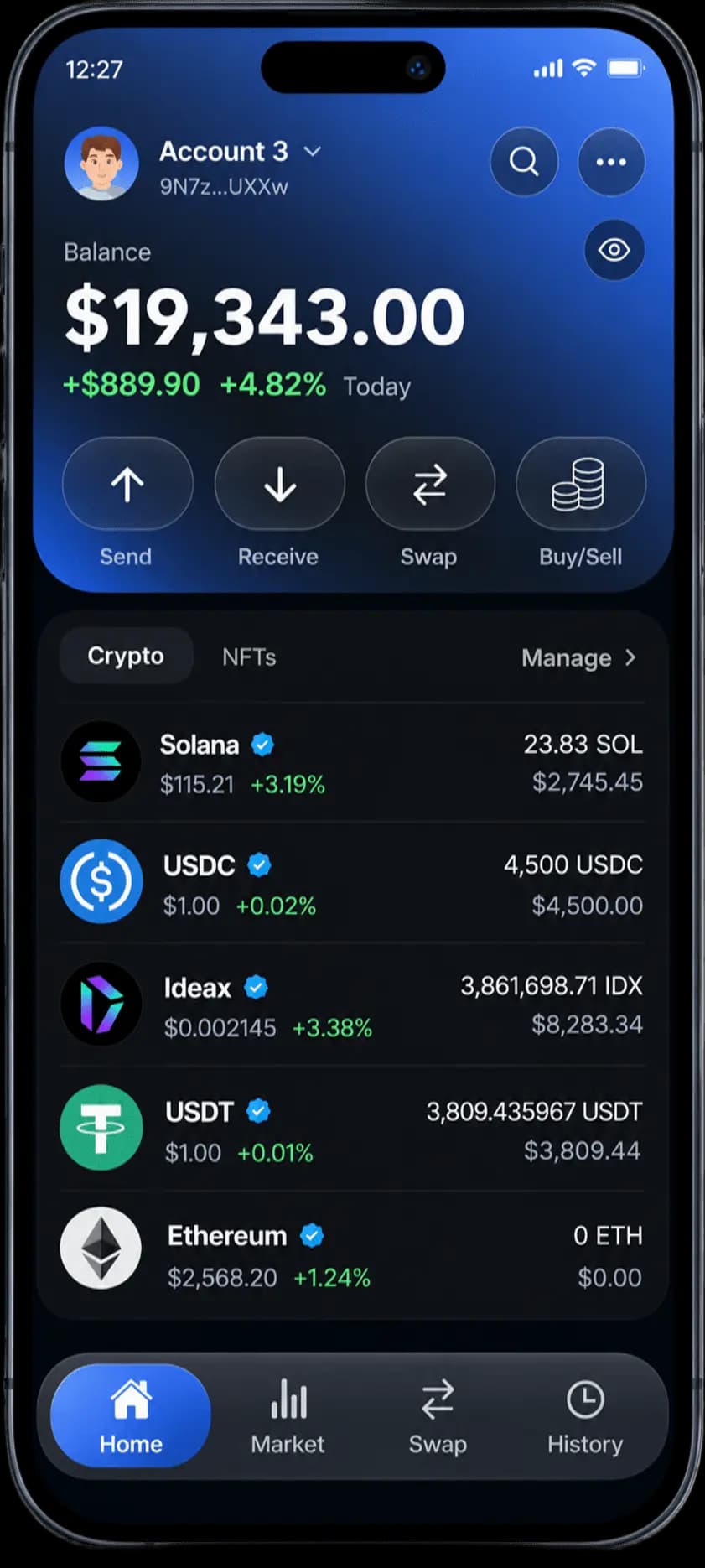
Connect to supported dApps, manage Solana and Ethereum assets, send and receive crypto, and swap tokens without leaving your wallet experience.
Use the browser extension today, and restore the same wallet on Android with your seed phrase via Google Play. iOS is coming soon.
Security layers
What actually makes a non-custodial wallet secure — and how IDX approaches each layer across Solana and Ethereum.
Your wallet's private keys are generated from your seed phrase directly on your device. IDX does not generate, store, or keep a copy of your private keys on its servers, giving you control over your wallet credentials.
Your wallet data is encrypted locally on your device and protected by your password. This helps prevent unauthorized access to your stored wallet information. Your password is not stored on IDX servers, and IDX cannot use it to unlock your wallet.
When your wallet is locked, you must enter your password to access it again. If you forget your password, IDX cannot reset it or unlock your wallet for you. You can restore access using your seed phrase, so keep it safely backed up.
You stay in control of transactions made through your wallet. Before sending funds, swapping tokens, or connecting to a dApp, review the recipient address, transaction amount, and requested permissions carefully. Only approve transactions and requests you understand and trust.
Your seed phrase is the master backup for your wallet and can restore access to your funds. Write it down and store it in a secure, offline location. Anyone who obtains your seed phrase may gain control of your assets, so never share it with anyone or enter it on untrusted websites.
IDX is designed to let you manage your digital assets without handing custody of your private keys to a third party. You control your wallet and approve your transactions, while remaining responsible for protecting your seed phrase, securing your device, and verifying every transaction.
Everyday Web3
Self-custody is the foundation. Everyday Web3 actions are why you open the wallet.
Connect to supported Solana and Ethereum dApps from your wallet.
Same-chain and Solana ↔ Ethereum cross-chain swaps with the lowest platform fees in a simple UI.
Send crypto directly from your wallet across supported networks.
Share your address or QR code to receive assets on Solana or Ethereum.
Track balances, accounts, and activity across supported networks.
Use supported Web3 applications without giving up key ownership.
Self-custody checklist
Use this checklist when evaluating any self-custody wallet — including IDX.
You control the keys instead of relying on a third party to hold them
Reduces unnecessary third-party access to recovery material
Helps you understand what a transaction will do before you approve it
Lets you restore the wallet if a device is lost or replaced
Gives you access to Web3 applications from one wallet
Lets you manage crypto on the go once available
Convenient desktop access for everyday Web3 use
Makes the custody model and responsibilities clear
Ticked them all? Then you've found a wallet that keeps you in control.
Who controls what
Understand who controls your keys, your device, and your transactions.
You
Your device
Blockchain
IDX never sees your keys or seed phrase.
Only you hold them. IDX never collects or stores your keys or seed phrase.
Your password encrypts the wallet on your device, not on IDX servers.
Every send, swap, and dApp request waits for your approval.
Only your seed phrase can restore the wallet. IDX can't recover it for you.
The difference
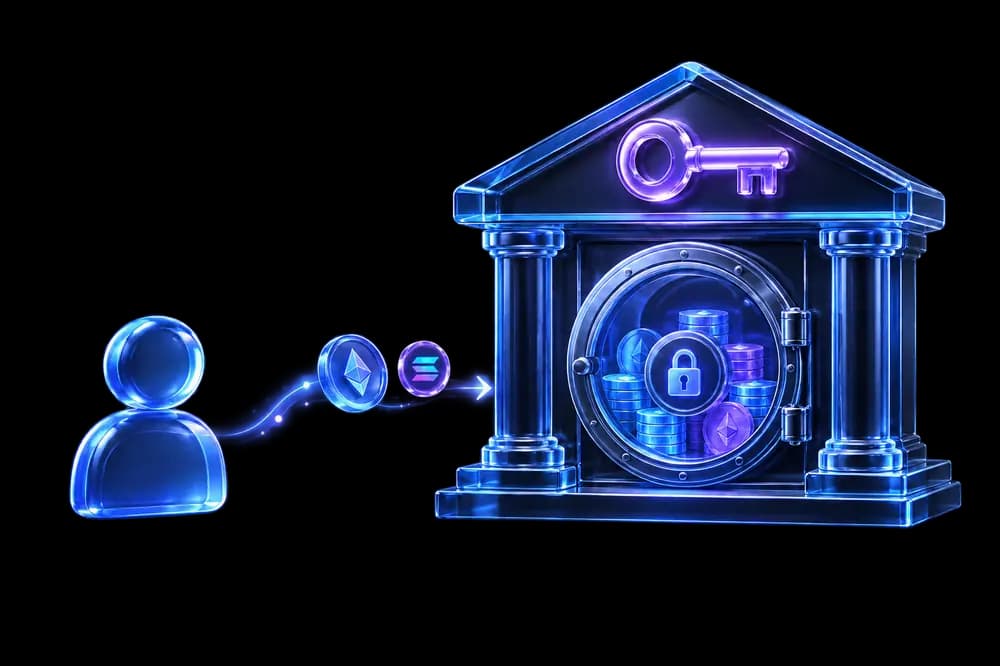
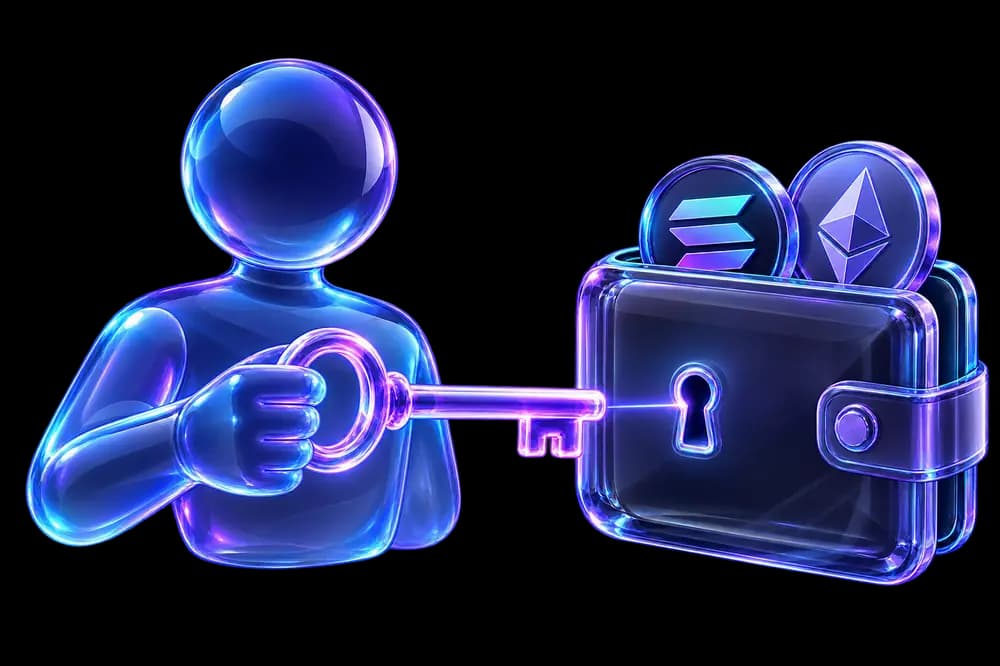
Think of a key to a treasure box. In a non-custodial wallet, that key is in your pocket — not someone else's.
Like leaving your money with a friend
Like keeping money in your own box
Tap a button to see what happens.
Ask the company for help.
They check who you are and give you a new password. Easy — but it also shows they are the ones in charge of your money.
Quick take
Who holds the key?
Custodial:The company
IDX:You
Who says yes to sending money?
Custodial:The company can block it
IDX:Only you
Forgot your password?
Custodial:Ask the company to reset it
IDX:Use your 12 secret words
*Network gas and route costs still apply. Your keys stay on your device and you approve every send or swap.
Networks
Non-custodial Solana and Ethereum wallet — keys on device, simple UI, lowest platform fees on swaps.
0x, gas paid in ETHSend & receive ETHIDX vs MetaMaskClose token accounts

Solana
Non-custodial SPL wallet · close token accounts · reclaim rent

Ethereum
Non-custodial ETH & ERC-20 · 0x receive · cross-chain ↔ Solana

Best practices
Wallet architecture matters. How you use the wallet matters just as much.
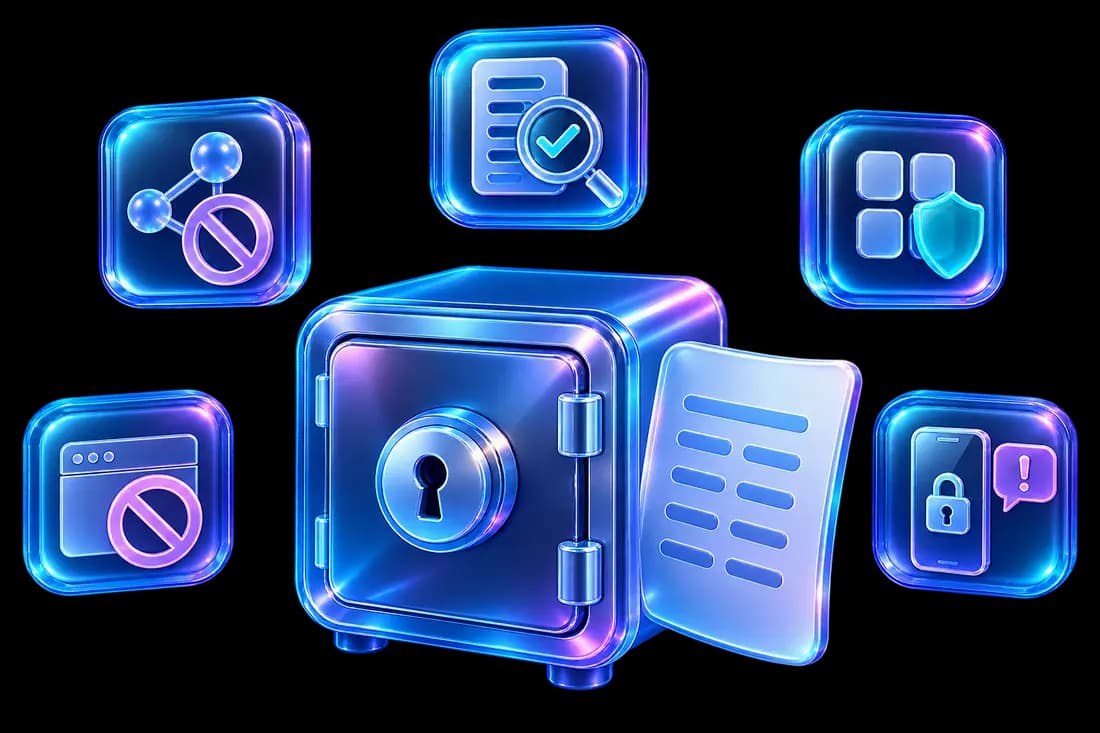
IDX support will never ask for your seed phrase. Anyone who has it can move your funds.
Only enter your phrase in the official wallet when importing or restoring.
Check the address, amount, and requested permissions every time.
Malicious sites can request approvals that put assets at risk.
Use device locks, keep software updated, and avoid untrusted installs.
Scammers often impersonate support in DMs. Use official channels only.
Write it down and store it somewhere secure — not in screenshots or cloud notes.
Platforms
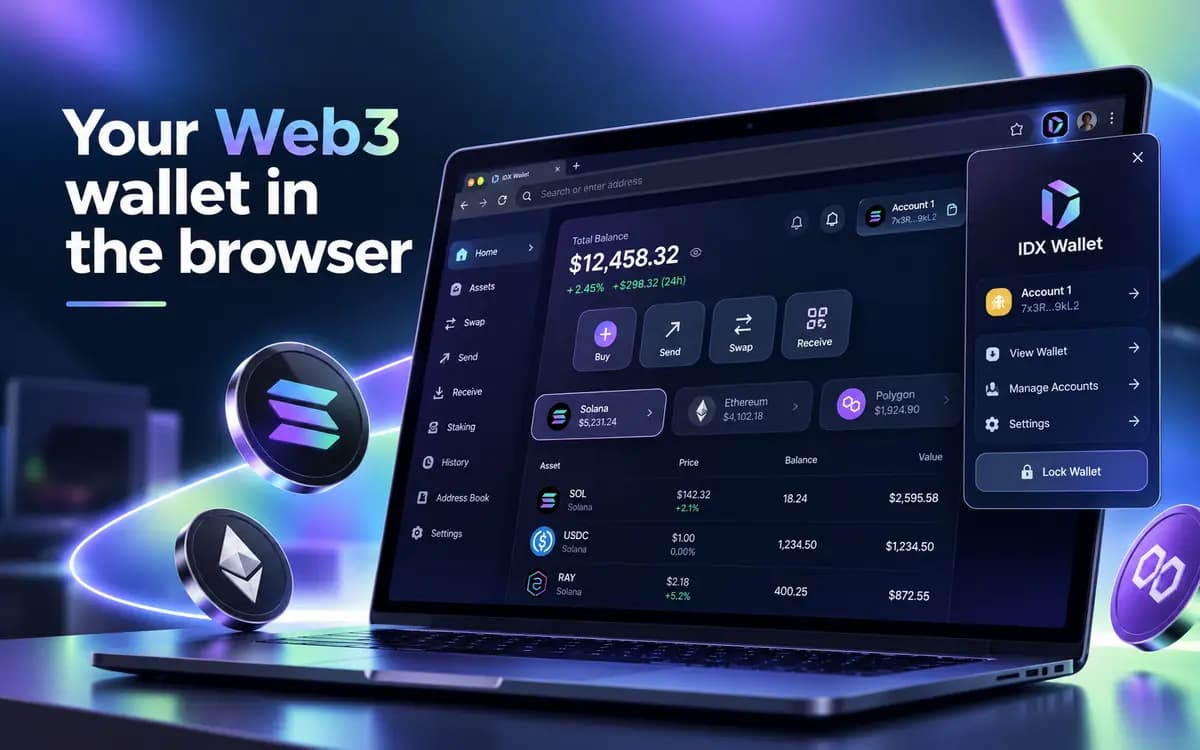
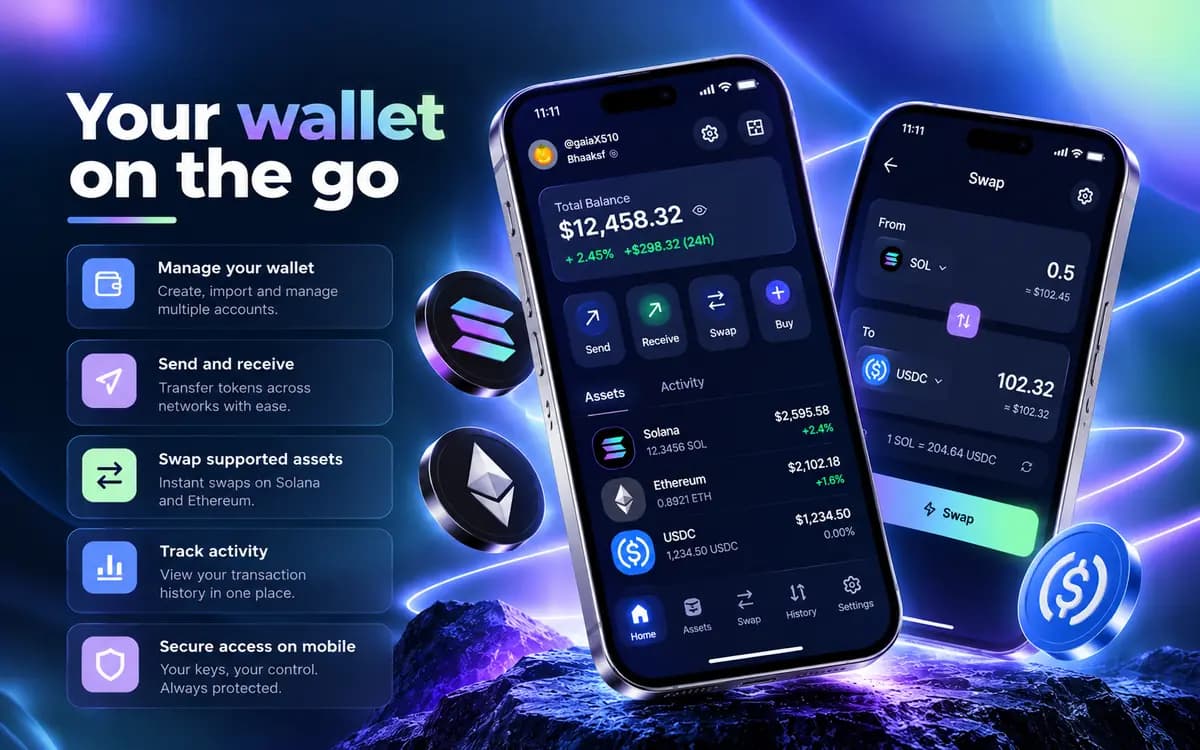
Self-custody puts you in direct control of your assets. There is no company holding keys on your behalf — and no company that can recover them if you lose your recovery phrase. That trade-off is the point of a non-custodial Web3 wallet.
IDX is built for people who want that control without giving up everyday actions like swapping, sending, and connecting to dApps.
Non-custodial wallets can provide strong control over digital assets because the user controls the wallet's private keys. However, self-custody also means the user is responsible for protecting their recovery phrase, device, and transaction approvals. Security depends on both the wallet's architecture and how the wallet is used.
FAQ
Straight answers about self-custody, security, and IDX.
A non-custodial wallet is a crypto wallet where you control the private keys. With IDX, that means IDX does not hold your crypto or access your seed phrase — your wallet stays under your control.

Get the non-custodial Web3 wallet for Solana and Ethereum — with your keys, your control, and everyday actions like send, receive, and swap.